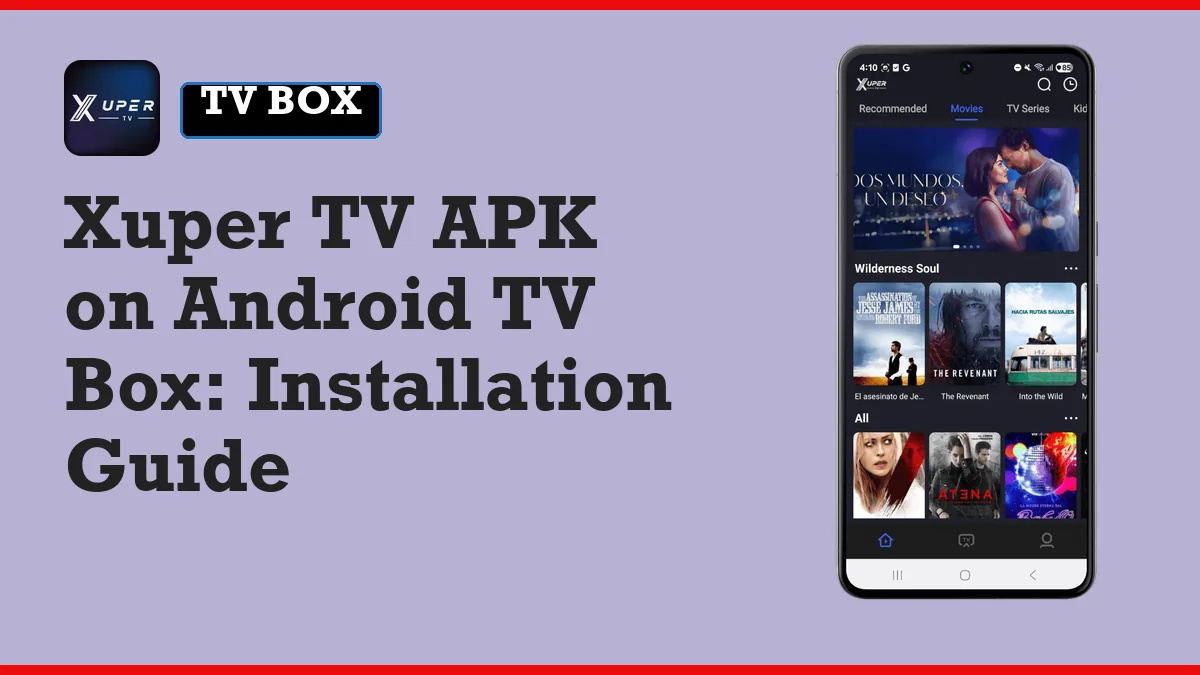
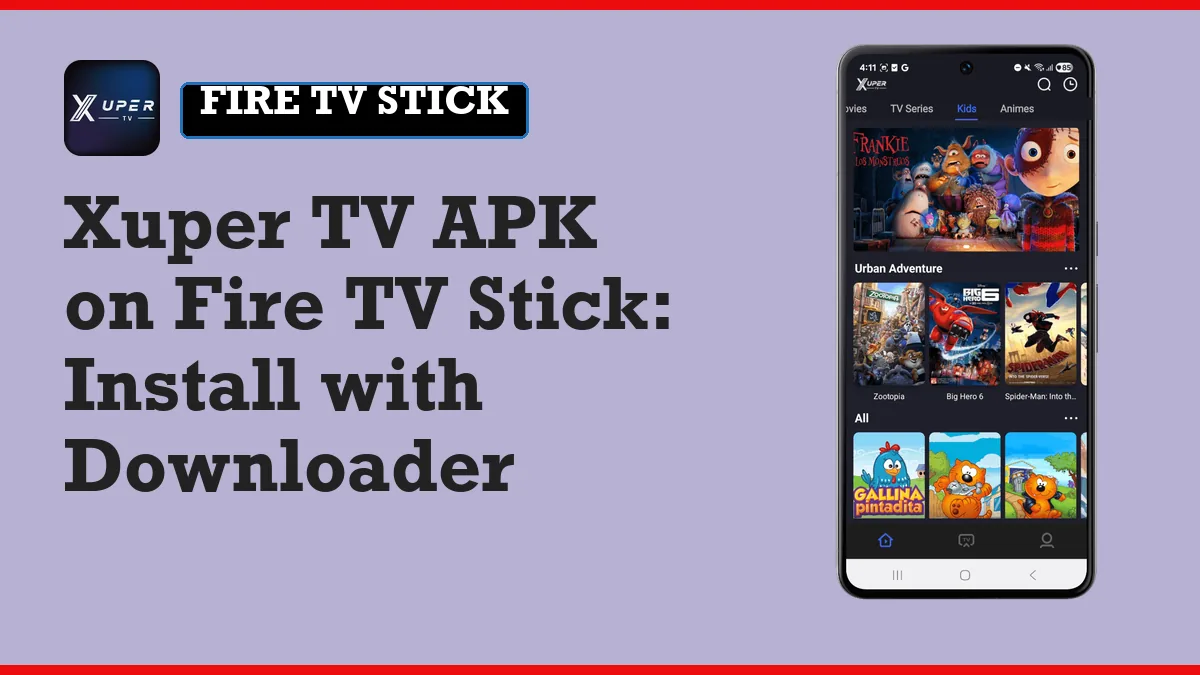
The Amazon Fire TV Stick is the cheapest way to get Xuper TV on a non Android TV. It connects via HDMI, comes with its own remote, and you'll have the app ready to watch in ten minutes.
Xuper TV APK
Table of contents
Compatible models
The Fire TV Stick Lite, the standard model, the 4K, and the 4K Max all work, as well as TVs with built in Fire TV. They all use Fire OS, which is a variant of Android, so they accept the 32.4 MB TV APK.
Prepare the Fire TV
- On the home screen, search for the Downloader app using the magnifying glass and install it. It's free.
- Go to Settings, My Fire TV, About, and tap seven times on the device name until you see the notification that you are a developer.
- Go back to My Fire TV, go to Developer Options, and then to Install Unknown Apps.
- Enable permission only for Downloader.
Install with Downloader
- Open Downloader and accept the storage permission.
- In the address field, type the domain of this site and press Go.
- Scroll down to the Download Xuper TV for TV button and press the center button.
- When the download is complete, select Install and then Done.
- Downloader will offer to delete the file: accept to recover space.
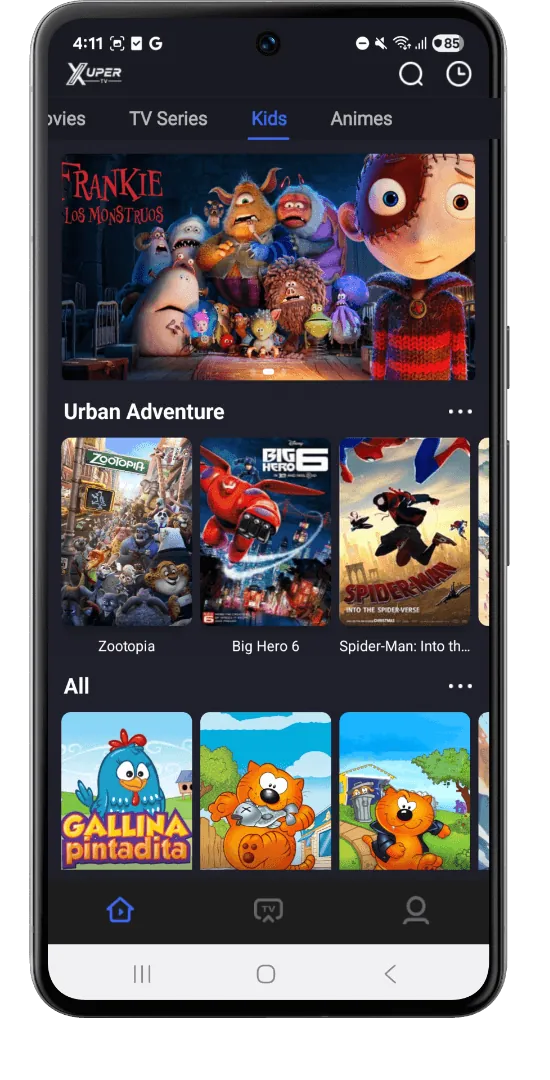
Keep the app handy
Apps installed this way will appear at the bottom of the list. Press and hold the home button, go to Apps, select Xuper TV, and use the menu button (the three line button) to move it to the top row.
If something goes wrong
- Developer options do not appear: repeat the seven taps on the device name
- Error parsing the package: the download was incomplete; delete it and download again.
- The app opens but doesn't play: check your connection and try a lower quality setting.
- Limited storage space: the Lite has 8 GB; delete apps you don't use and clear caches.
You don't need to register your Fire TV with a card or buy anything to install Xuper TV.
Fire TV settings that improve video
Three changes to the Fire TV itself make Xuper TV look better. In Display & Sound, leave the resolution on automatic so the device uses the maximum resolution your TV supports. In Preferences, turn off app usage data collection, which consumes some memory. And if you notice slow controls, replace the batteries before blaming the app: this is the most common cause of sluggish menus.
Frequently Asked Questions
Do I need an Amazon account?
Yes, to set up the Fire TV for the first time, but Xuper TV doesn't use it.
Does the app update automatically?
No. When a new version is released, repeat the process with Downloader and install over it.
Does voice control search within Xuper TV?
Alexa 's voice search doesn't work with manually installed apps. Use the app's magnifying glass.