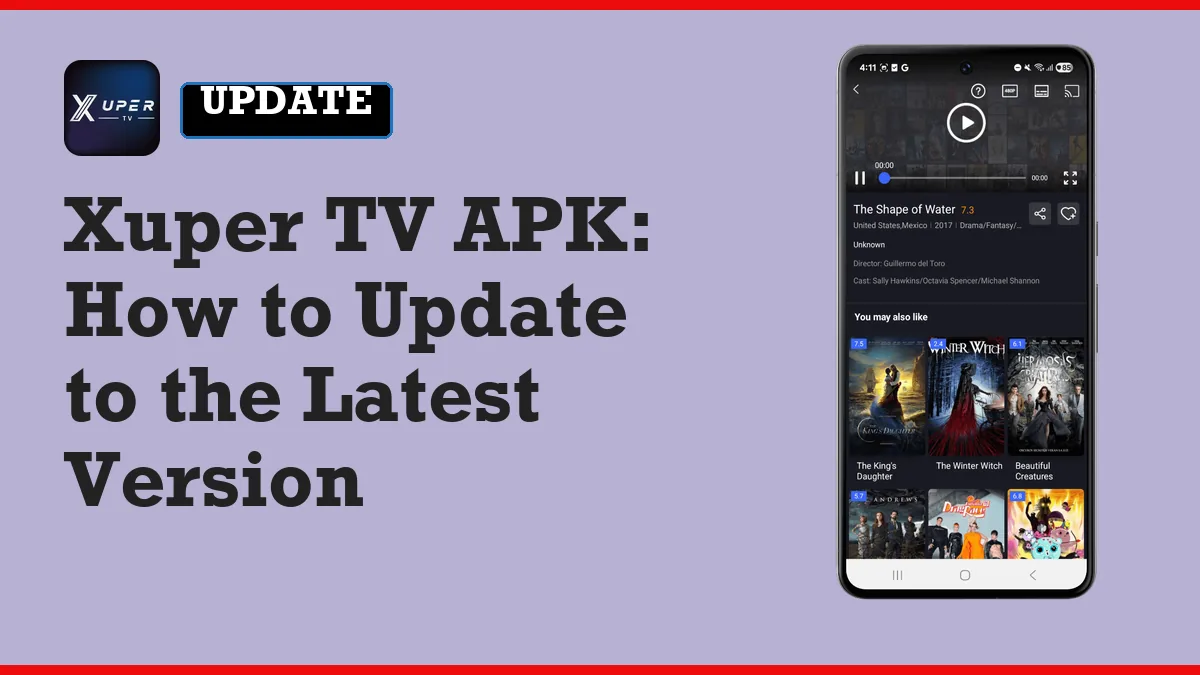
Keeping Xuper TV up to date prevents most playback errors. The current version is v7.8.1 and updating takes less than five minutes, without losing your history.

Xuper TV APK
Table of contents
How to find out which version you have
Go to your Android settings, open Applications, and search for Xuper TV. The version number is listed at the bottom of the page. Compare it to the one shown on the download button.
Update over the current one
This is the recommended method because it preserves favorites and history:
- Download the mobile APK from this page.
- Open it. Android will detect that you already have the app and will display the Update button.
- Confirm and wait for it to finish.
- Open the app and check that the version number has changed.
Clean installation
If you see "App not installed" during the update or the app closes on its own, perform a clean installation:
- In Settings, Applications, Xuper TV, tap Clear data and then Uninstall.
- Restart your phone.
- Install the new APK as if it were the first time.
A clean install erases your browsing history and favorites. If they're important, make a note of the titles you were following beforehand.
Update on TV
On Android TV, Fire TV, or TV Box the process is the same, but with the TV APK from 32.4 MB. Use Downloader or a USB drive as in the original installation and choose Install when the system prompts you.
Signs that it's time to update
If you notice any of these, compare your version number with the one on this page. The difference almost always explains the problem, and updating resolves it in minutes.
Frequently Asked Questions
Does Xuper TV update itself?
No, because it doesn't come from Google Play. It might notify you, but you have to do the installation yourself.
Can I revert to a previous version?
Yes, after uninstalling first. We don't recommend it: older versions often fail to play.
How big is the update?
Same as the full app: 51.1 MB on mobile and 32.4 MB on TV.