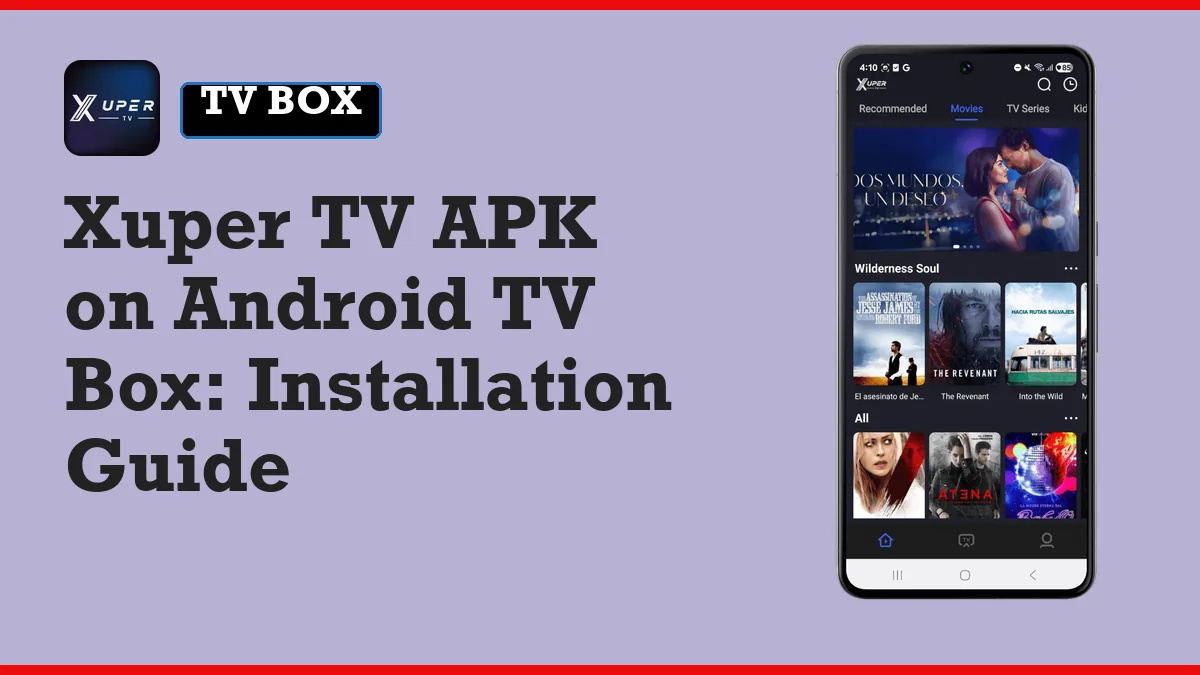
A TV Box turns any television with HDMI input into an Android TV. It's the preferred option for those who own a Samsung or LG screen and want to use Xuper TV with a remote control.
Xuper TV APK
Table of contents
Which TV Box is right for you?
| System | Android TV or Android 9 and above (minimum Android 5.0+) |
| RAM | 2 GB minimum, 4 GB to be on the safe side |
| Storage | 16 GB or more |
| Grid | 5 GHz WiFi or Ethernet port |
Very cheap devices with 1 GB of RAM can open the app, but it freezes when playing. It's worth spending a little more.
Install the APK for TV
TV Box come with a browser or file manager, so the process is short:
- Open the TV Box browser and go to this site.
- Click Download Xuper TV for TV and wait for it to finish.
- Open the download. If prompted, allow the installation of apps from the browser.
- Click Install and then Open.
Is the device's browser not downloading? Copy the file to a USB drive from your computer and open it with the TV Box 's file manager.
If your controller doesn't have arrow keys
Some TV Box come with an air mouse type controller. It works, but a controller with arrow keys and a middle button makes navigation much more comfortable. A small wireless keyboard with a touchpad also works.
Improve performance
Configure the output resolution
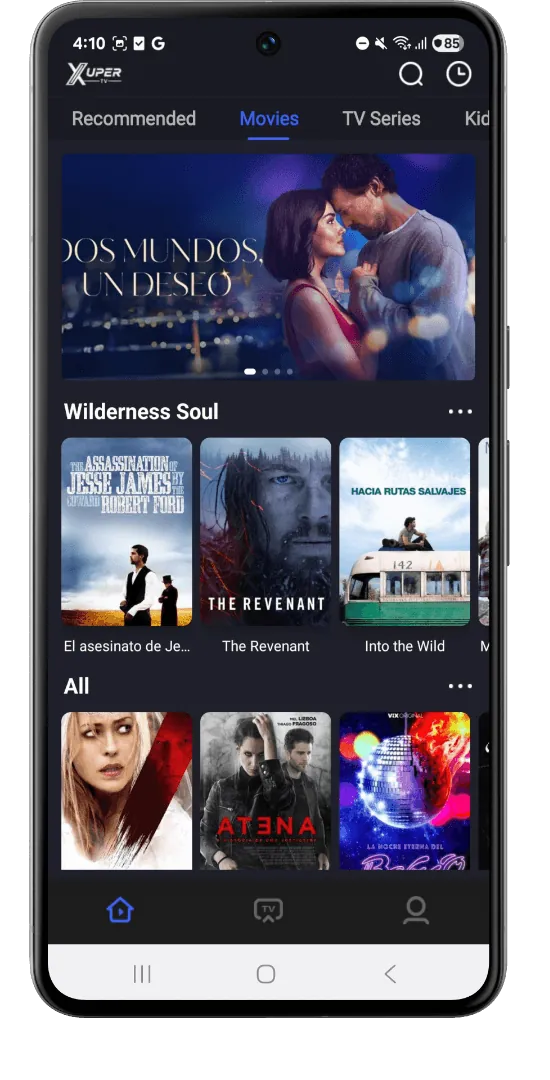
Many set top boxes come from the factory outputting 720p to the TV, even if it's Full HD or 4K. Go to Settings, Display, or Screen, and choose your TV's native resolution with a 60Hz refresh rate. If the image goes off the edges, look for the screen area or scaling option and adjust it until you can see all four corners. This simple change makes Xuper TV 's covers and subtitles much easier to read from the couch.
Frequently Asked Questions
Does the mobile APK work on a TV Box?
It installs, but the TV APK is better handled with the remote.
Does my TV Box need root?
No. The installation is normal, without special permits.
Can I watch in 4K?
It depends on the title and your internet connection. Most of the catalog is available in HD.