

Watching a live match demands more from the app and your internet connection than watching a movie. This guide helps you find sports on Xuper TV so the stream lasts the full ninety minutes.

Xuper TV APK
Table of contents
Where the sports are
Live events are listed in the live TV section, grouped by category. Look for the sports section and check which channels are available that day: the list changes and the channels aren't always the same.
Before the game starts
During the broadcast
- The image freezes: lower the quality one level from the player.
- It's delayed: live internet streams usually have a few seconds of delay; it's normal.
- It cuts out every now and then: try another server on the same channel if the app offers it.
- Audio out of sync: close the player and reopen the channel
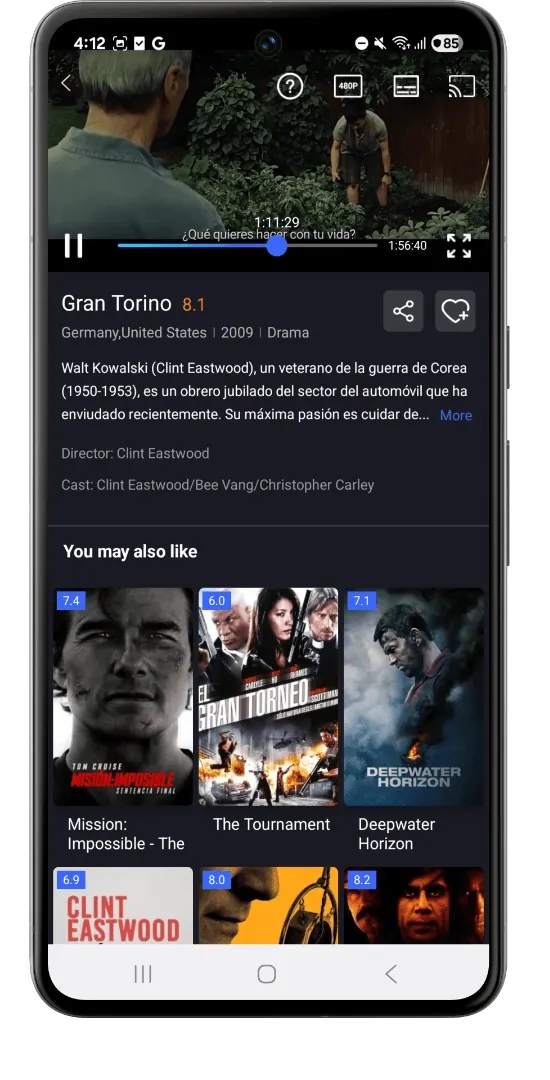
It looks better on TV
For a game with friends, use the TV APK on a TV Box or a Fire TV Stick connected via Ethernet cable. The picture is more stable than streaming from your phone.
Official options
The rights to tournaments change every season and belong to specific networks. If you want to secure a spot on a major match, check which official platform is broadcasting it in your country, such as ViX or free to air channels, and consider Xuper TV as a backup.
Get ready for a great match afternoon
If several people are gathered, each phone connected to the WiFi and browsing social media will use up bandwidth from the TV. Ask them to use mobile data during the game or pause automatic downloads on consoles and computers. Place the router away from microwaves and thick walls, and if possible, connect the TV via cable. This will make the stream much smoother during peak traffic times, when everyone is watching the same event.
Frequently Asked Questions
How much data does a match use?
In medium quality, between 1 and 1.5 GB per full match. In HD it can exceed 2 GB.
Can I watch replays?
It depends on the channel. The live section does not save past broadcasts.
What speed do I need?
About 5 Mbps stable for HD and 3 Mbps for medium quality.