
This is the direct download page. Below are the two Xuper TV installers, one for your phone and one for your TV, along with their size, version, and what you should check before clicking the button.
Xuper TV APK
Table of contents
The two available files
| Archive | Version | Size | Equipment |
|---|---|---|---|
| Mobile APK | v7.8.1 | 51.1 MB | Phone and tablet |
| APK for TV | v7.8.1 | 32.4 MB | Android TV, Google TV, Fire TV, TV Box |
Both installers are the same version; only the interface differs. The mobile version is controlled with your finger, and the TV version with the remote's arrow keys. If you're unsure, choose based on the device you'll be watching on, not the screen size.
Before downloading
Install on your phone
- Tap the mobile APK button; the browser bar will indicate when it's finished.
- Tap the download complete notification. If you've already closed it, the APK will be waiting for you in Files, under Downloads.
- Allow installation from that source when Android requests it.
- Tap Install and then Open.
Install on TV
There's no convenient web browser on a TV, so the usual way is to use the Downloader app or transfer the file using a USB drive. Complete instructions are available in Xuper TV on Smart TV guide, the Fire TV Stick guide, and the Android TV Box guide.
Verify that the file downloaded completely
A truncated APK is the number one cause of the error message when parsing the package. Before installing, check the size in your file manager: mobile should be around 51.1 MB and TV 32.4 MB. If the number is much smaller, delete the file and repeat the download with a more stable connection.
Don't change the file name or extension either. Android recognizes the installer by the .apk extension, and some browsers add a number in parentheses when you download the same file twice; this doesn't affect anything, but it's a good idea to delete the old copies to avoid confusion.
How do the two interfaces differ?
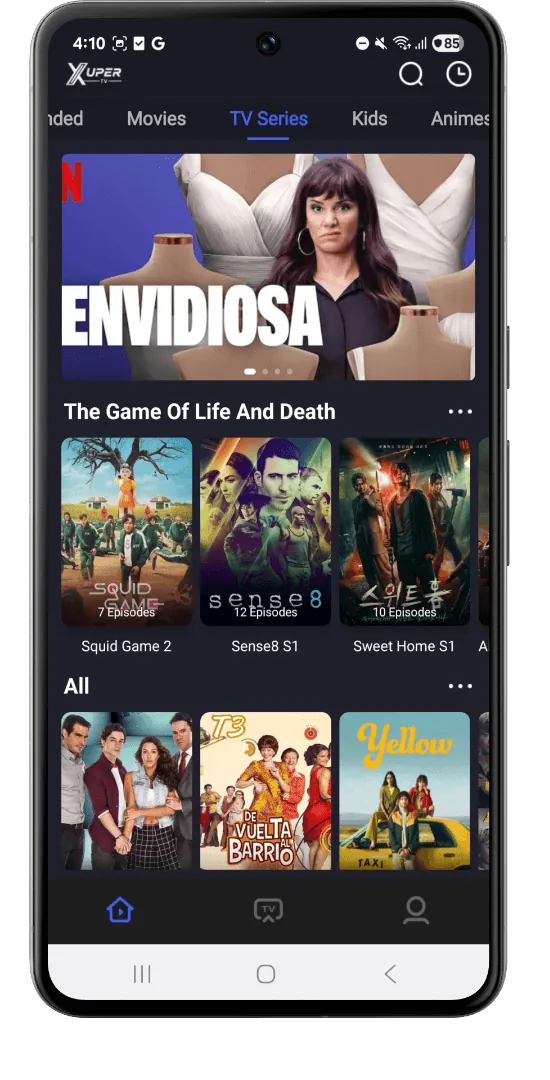
The mobile version places the tabs at the top, allows you to tap any cover, and takes advantage of the vertical screen. The TV version enlarges the cards, highlights the selected one with a border, and responds to the arrows, the center button, and the back button. The catalog is the same in both versions; only the navigation method differs.
After installing
- Permission: Re enables unknown sources for the browser or file manager
- Space: Delete the APK from Downloads, you don't need it anymore
- Update: When the app notifies you of a new version, install it over the current one.
If the button takes you to an advertisement page or asks for personal information, it's not our link. Our buttons download the file directly, without registration.
Frequently Asked Questions
Can I install the mobile APK on my TV?
It opens, but the menus don't respond well to the remote control. For TV, use the TV APK.
Why is the TV file smaller?
It only includes the interface for large screens and leaves out parts designed for touch screens.
Is there a fee?
No. Both files are free to download and the app doesn't require a credit card.
How often do the files change?
When a new version is released, we replace both and update the number across the entire page.